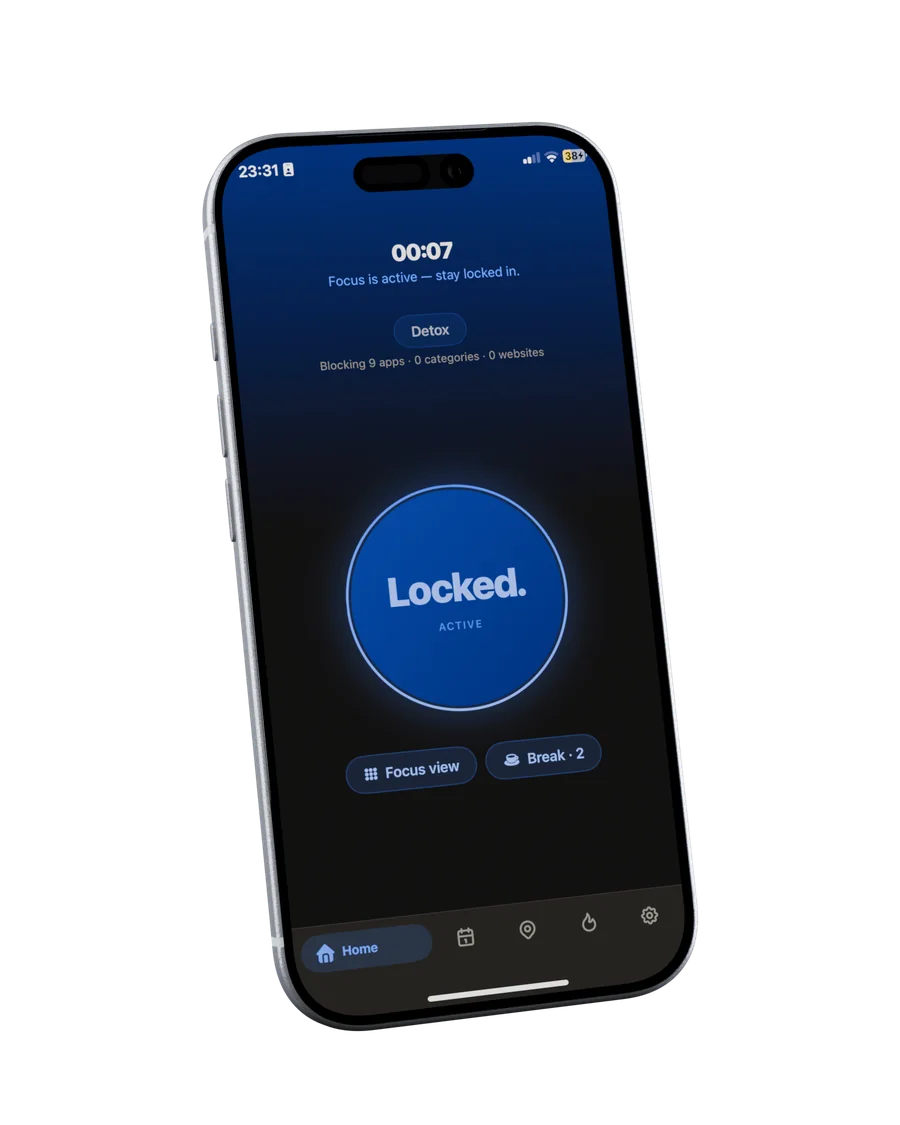
Home
Tap. You're locked in.
Hold your iPhone to the Tag and the session starts: distracting apps pause, Do Not Disturb turns on, the timer begins. Home shows the one state that matters: locked.
A small Tag on your desk. Tap your iPhone to start a focus session: distracting apps pause, Do Not Disturb turns on, and the timer begins. Tap again when you are done.
By joining, you agree to receive launch updates. Unsubscribe anytime. Privacy (DE)
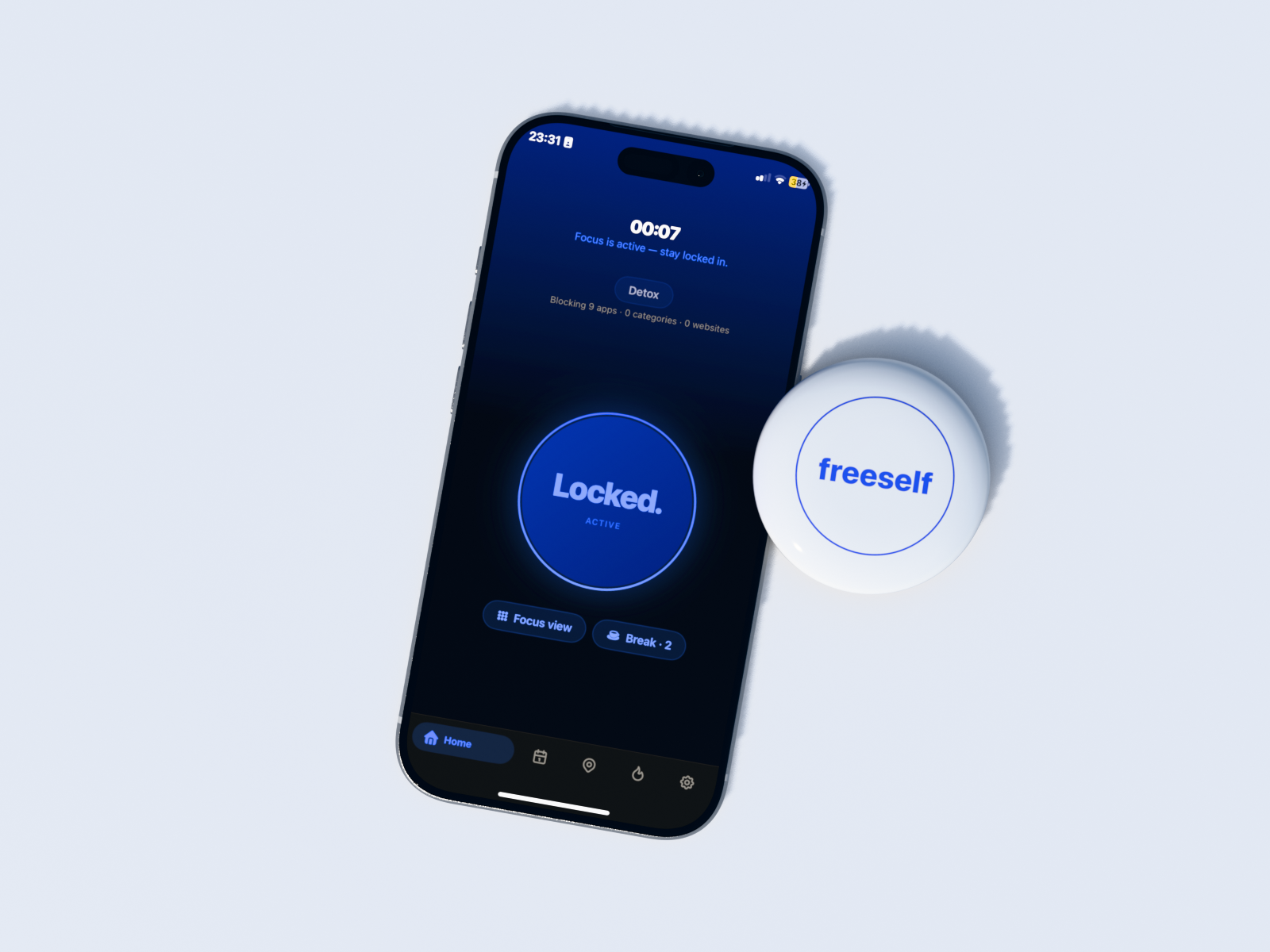
A physical cue that turns the decision to focus into a deliberate action.
Join the waitlistScroll through the app. Every view has one job: protect your focus.
Hold your iPhone to the Tag and the session starts: distracting apps pause, Do Not Disturb turns on, the timer begins. Home shows the one state that matters: locked.
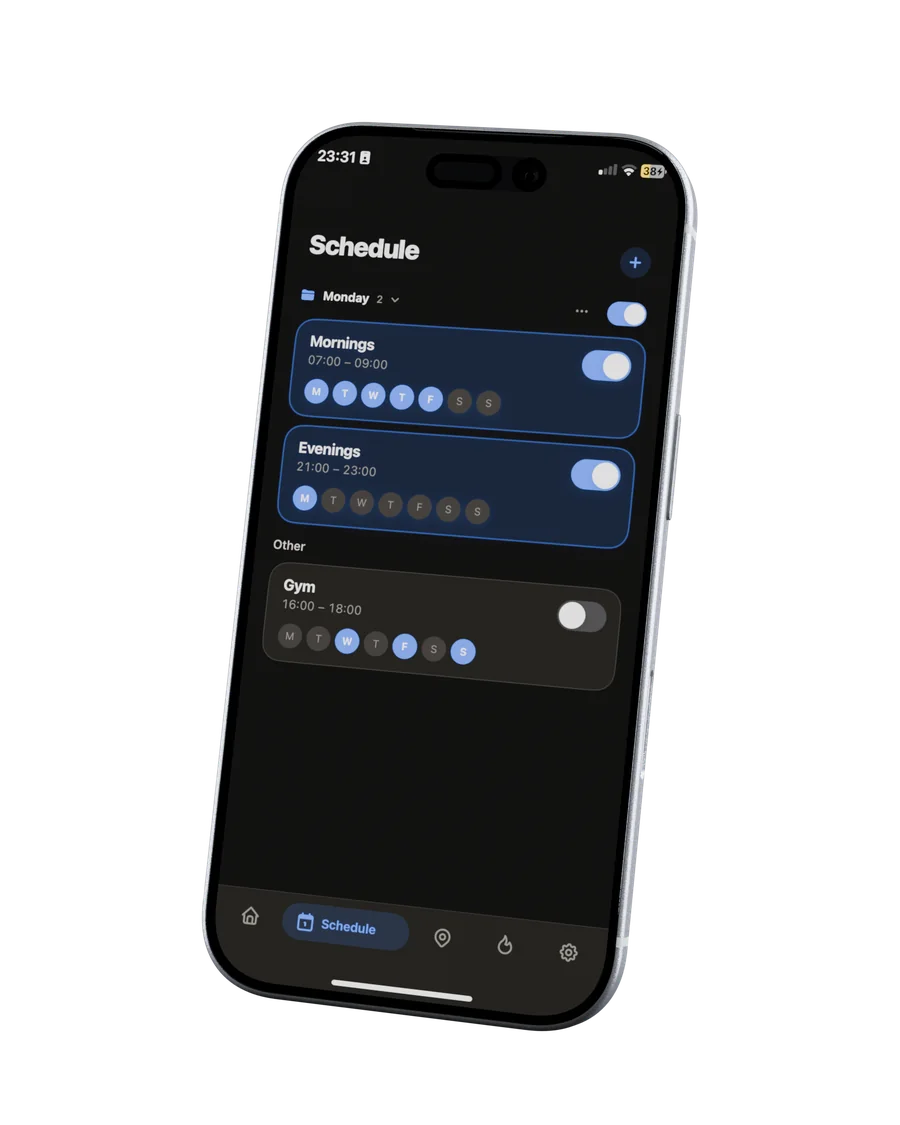
Create schedules for the routines you want to protect: study blocks, work windows, evenings. Duplicate a schedule to reuse it, and freeself starts the right mode on time.
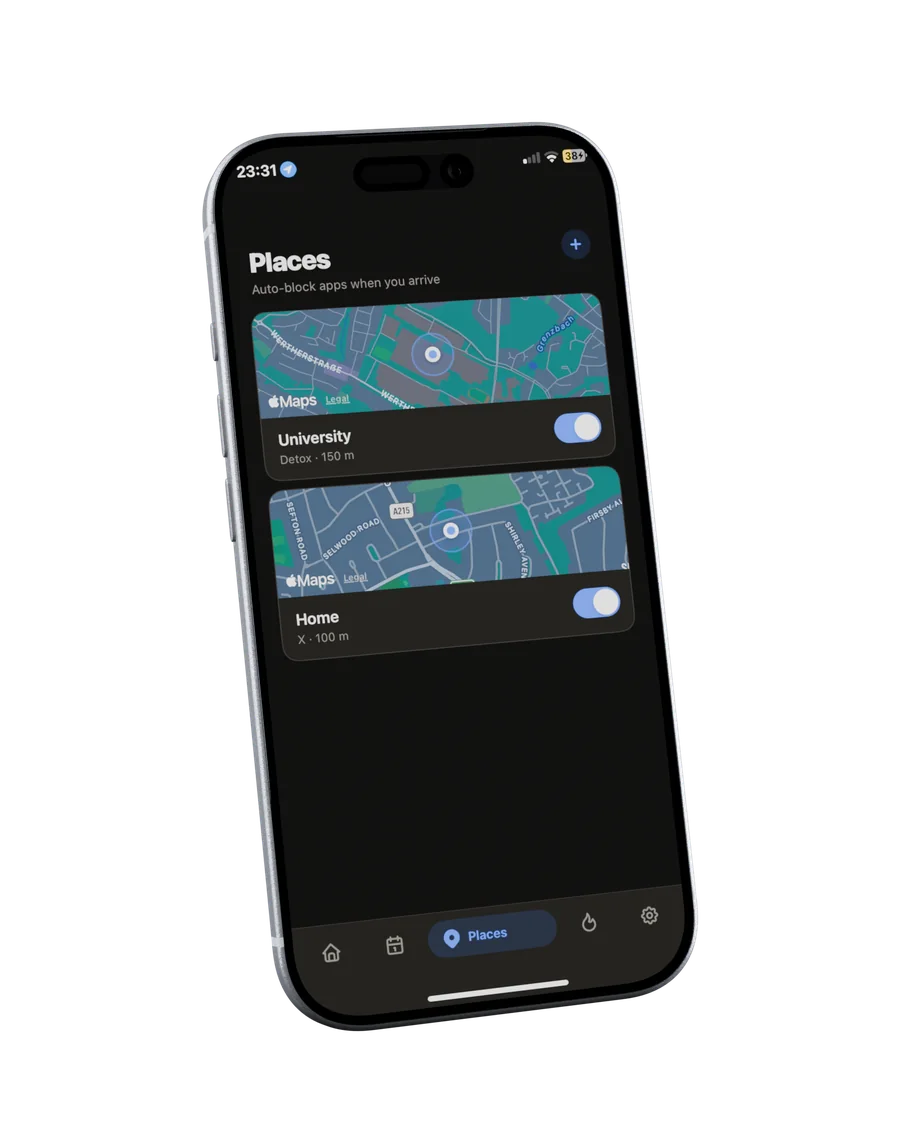
Save the places where focus matters: the library, your desk, the office. freeself prepares the right boundary when you arrive.
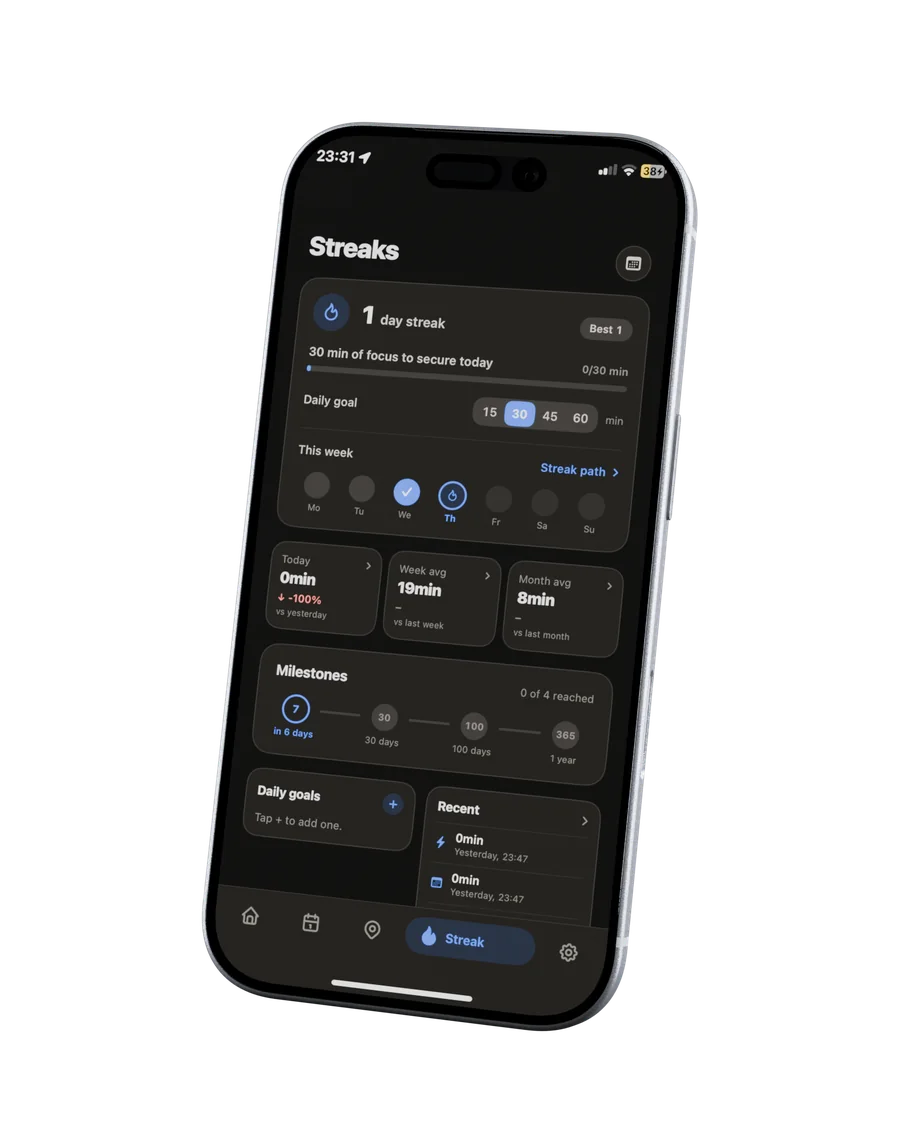
Streaks and calm statistics show the days you followed through. Progress you can feel, without turning focus into another feed.
Start on your iPhone and distractions stay blocked across your devices. No “I’ll just use my laptop” loophole.
Apple's built-in controls, physical blockers and freeself solve different parts of the same problem.
| Feature | Apple Screen TimeBuilt into Apple devices | Other focus devicesFeatures vary by product | freeself |
|---|---|---|---|
| Physical deviceA separate object for focus | No | Yes | Tag included |
| Tap to start and endThe same physical action for both | No | Varies | Yes |
| Places blockingBlock selected apps when you arrive | No | Not listed | Yes |
| Scheduled blockingAutomatic protection at set times | Yes | Yes | Yes |
| iPhone, iPad and MacBlocking across your devices | With device sharing | Varies | One focus session |
| Focus streaksSee your consistency over time | Usage reports | Varies | Streaks & stats |
Comparison of publicly listed features, October 2026. Capabilities of other focus devices vary by product. Apple Screen Time offers device sharing; Apple Focus can react to a location. freeself features describe the planned launch product.
A small object on my desk turned out to be the boundary I had been missing. Built for anyone who wants their attention back.
Read my story
freeself is a small physical Tag you keep on your desk. Tap your iPhone to start a focus session and tap again to end it. It works with the companion app to turn focus into a repeatable system.
Tap your iPhone to the Tag to begin: distracting apps pause, Do Not Disturb turns on, and a timer starts. Tap again to finish. Ending the session is a deliberate physical act, not another swipe.
freeself launches for compatible iPhones. Android support is in active development. We will publish the final compatibility list before shipping.
Final launch details will be announced before freeself becomes available. Join the waitlist and we will keep you updated.
Start a session with your iPhone and the free companion apps carry that focus state to your other supported devices, including your Mac.
Shipping timing will be announced before orders open. We will not take payment until the production timeline is confirmed.