Open the download
Once the download is available, download freeself.dmg here and open the file.
Your focus session follows you to your Mac. Start on your iPhone and choose which apps and websites to block on your Mac.
The App Store link will appear when the app is available.
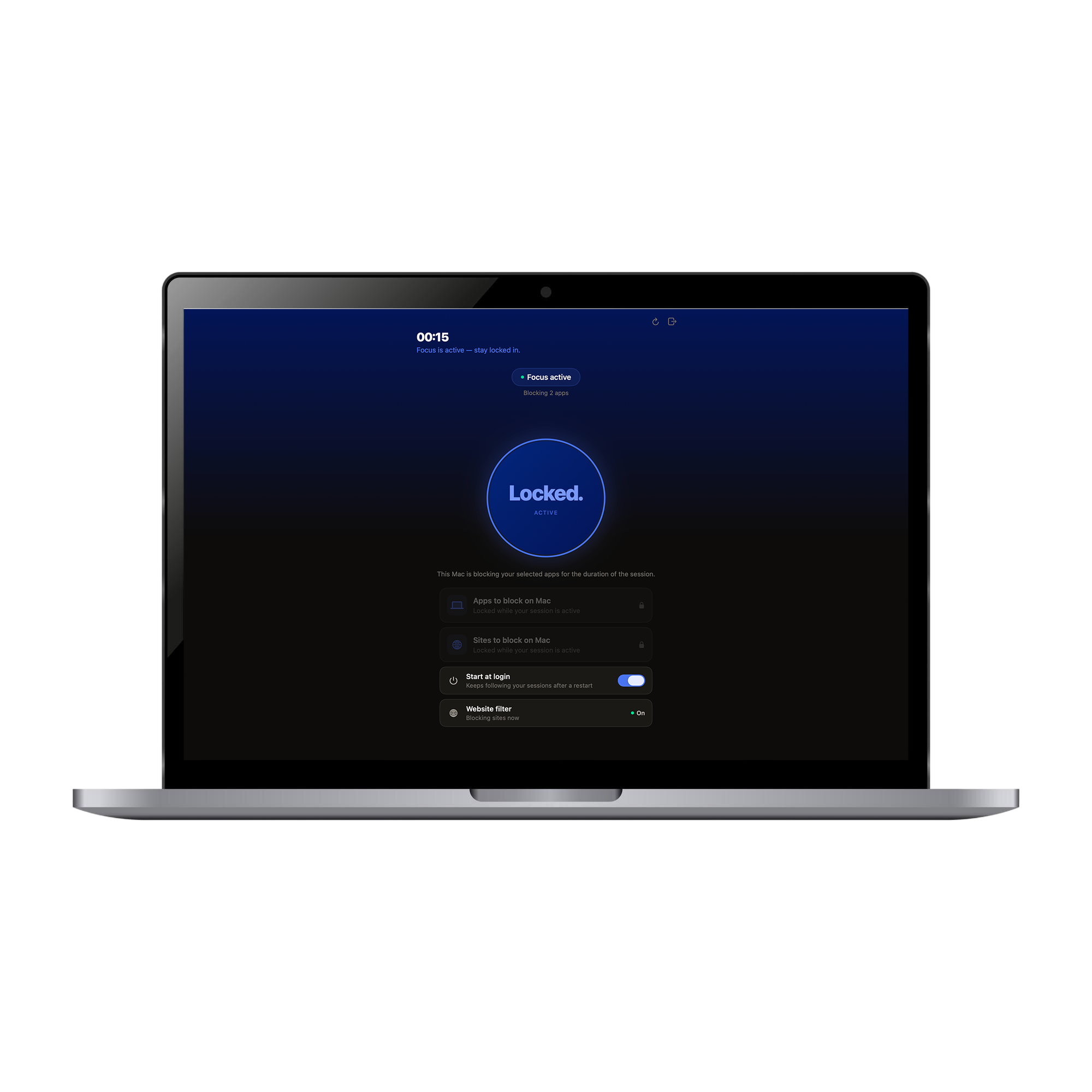
Once the Mac app is released, follow these steps to install it and connect your freeself account.
Once the download is available, download freeself.dmg here and open the file.
Drag the freeself app into your Applications folder.
Open freeself from Applications and sign in with the same email you use on your iPhone.
Follow the guide to set up the app, scan your Tag and connect your iPhone, iPad and Mac.